
Rate this Messages
Messages screenshots
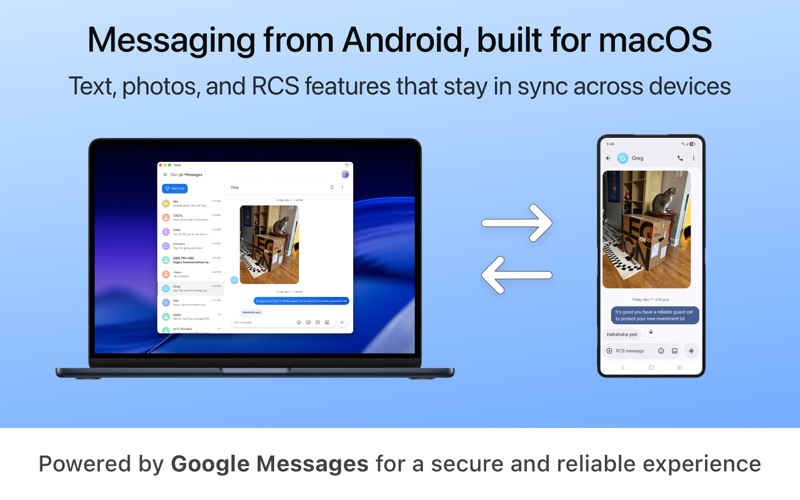
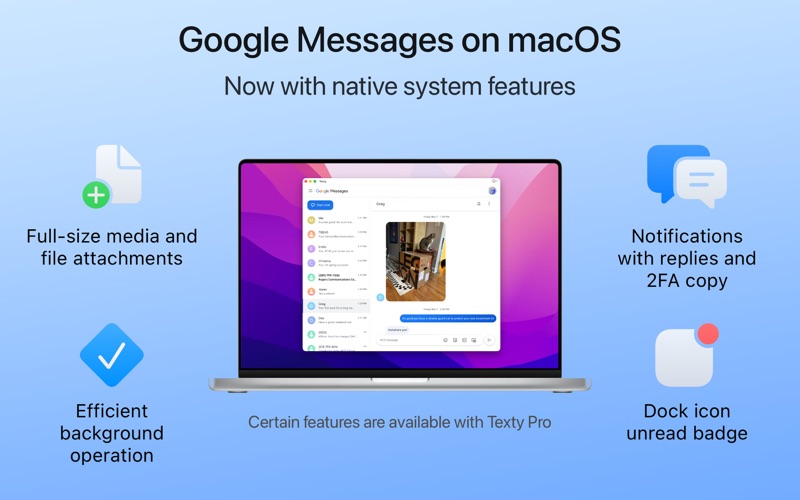
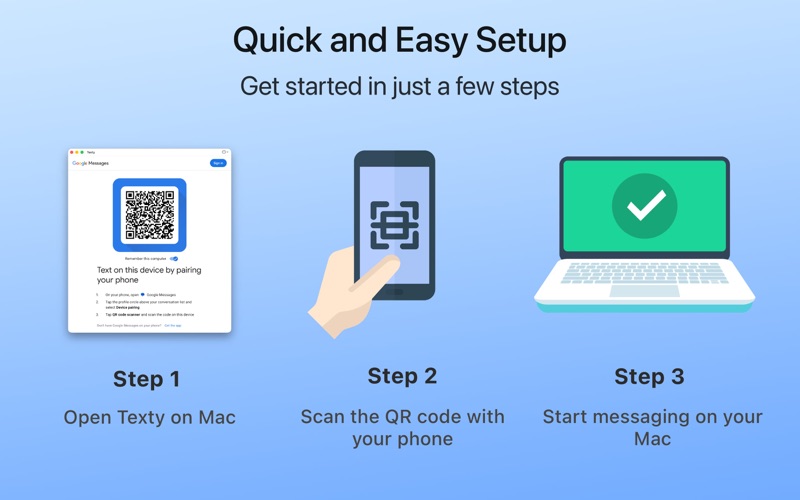

Screenshots via App Store. All trademarks belong to their respective owners.
At a glance: Messages
Messages runs on Mac and is listed under Instant Messaging, developed by Tunabelly Software Inc.. It’s catalogued on AppScout with a verified link to the official store.
It shows steady community adoption from the source catalog. Ratings come from the original listing — AppScout does not collect its own reviews.
Looking for similar Instant Messaging options on Mac? Compare Messages with the alternatives below, or browse more Mac apps with related features.
About Messages
iOS's iMessage now also on Mac OS
What we like
- Links to a verified official source
Things to consider
- Store availability varies by country — confirm before downloading
- Offline support not explicitly stated — check the store description
- Pricing details not stored locally — confirm on the store page
How to install Messages
- Tap Get on App StoreYou’ll be taken to the official App Store listing for Messages.
- Sign in if promptedUse your usual App Store account; no AppScout account is needed.
- Install on your Mac deviceThe download starts automatically once you confirm.
Permissions and privacy
Apps in this category may request access to contacts, microphone or camera. Review permissions on the store page.
Categories
Messages vs. alternatives
| App | Rating | Downloads | Tags |
|---|---|---|---|
| Messages (this app) | — | — | |
| Messenger for Desktop | ★ 5.0 | 51.3 k | — |
| aMSN | ★ 3.0 | 92.3 k | — |
| Camfrog | ★ 4.0 | 17.4 k | — |
| Adium | ★ 9.4 | 39.4 k | — |
| AIM | ★ 3.9 | 3.9 k | — |
More Instant Messaging apps
See all → AIM
AOL has decided to launch AIM for Mac, a new version of its instant messaging client c
Yahoo Messenger
Yahoo Messenger for Mac will let you chat with your Yahoo contacts, as well as MSN Mes
Retroshare
Share files and chat with friends safely
AIM
AOL has decided to launch AIM for Mac, a new version of its instant messaging client c
Yahoo Messenger
Yahoo Messenger for Mac will let you chat with your Yahoo contacts, as well as MSN Mes
Retroshare
Share files and chat with friends safely
 PSI
A simple Jabber-based IM client
Nimbuzz!
Chat with friends on this multiplatform messaging client
Chax
Add a bunch of improvements to iChat
Coccinella
Cooperative whiteboard and voice communication through Jabber
Adium Book
Aurelio Jargas
PSI
A simple Jabber-based IM client
Nimbuzz!
Chat with friends on this multiplatform messaging client
Chax
Add a bunch of improvements to iChat
Coccinella
Cooperative whiteboard and voice communication through Jabber
Adium Book
Aurelio Jargas
Frequently asked questions
Is Messages free?
Messages is distributed through the official App Store. Pricing and in-app purchases are shown on the store page when you tap Get on App Store.
Is Messages safe to download?
We only link to verified official sources (App Store). Always check the developer name and reviews on the store page before installing.
What platforms does Messages support?
This listing covers the Mac version of Messages. Check the official store for availability on other platforms.
What are alternatives to Messages?
See the related Instant Messaging apps below, or browse the full Instant Messaging category for more options.
Does Messages work offline?
Offline support depends on the app. Check the official store description for details about offline mode and required permissions.
When was Messages last updated?
This catalog page was last updated July 07, 2026. For the latest app version and changelog, visit the official store.